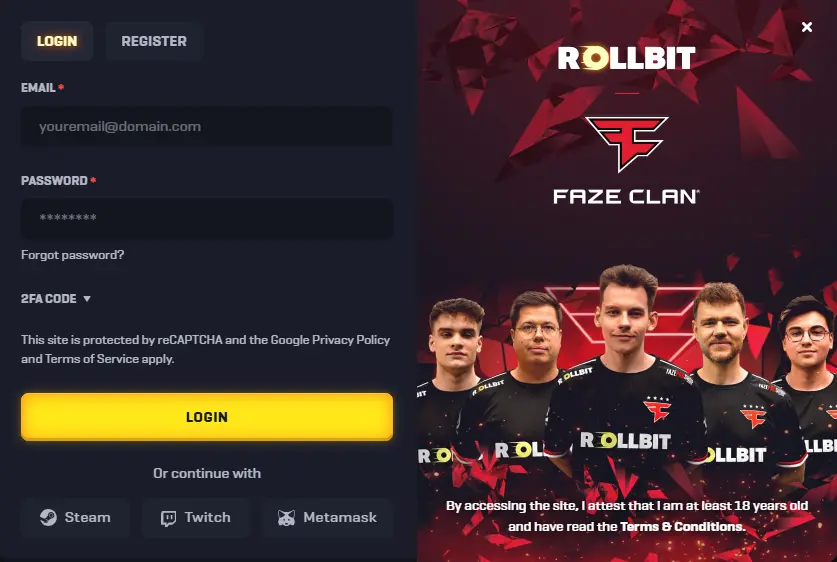
The Rollbit login page is the only thing standing between a registered player and the full casino experience. Once through, the entire platform opens up — crypto casino games, sports betting, live tables, and everything else the site has to offer, available around the clock from any device.
Signing in takes a matter of seconds. Registered accounts can be accessed using a username and password, or through Steam, Twitch, and MetaMask for those who prefer a social network shortcut. Both desktop and mobile browsers handle the process identically. The sections below cover how to sign in, how to access your account if something goes wrong, and what to do when the standard crypto casino sign in isn’t working as expected.
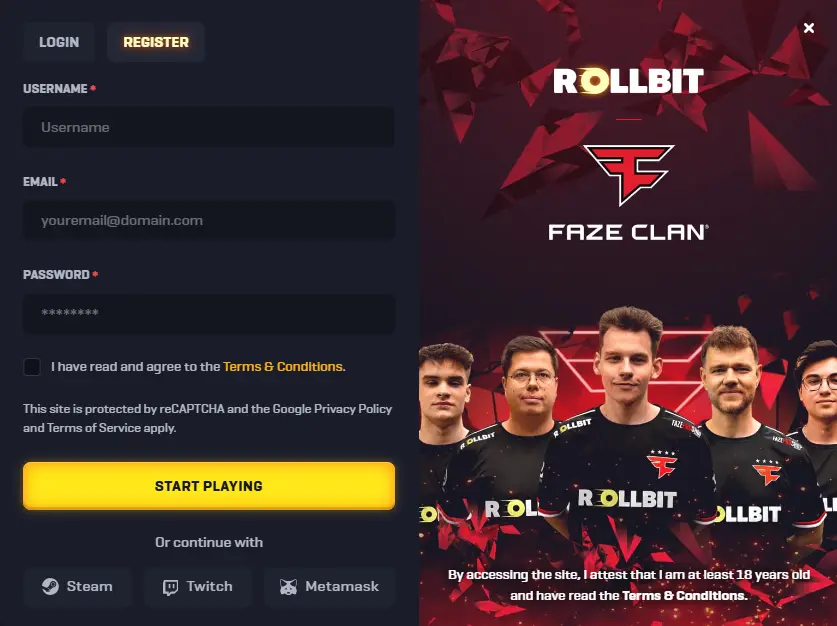
Register at Rollbit Before Signing In
Signing in requires an existing account — there’s no way around that step. Anyone who hasn’t registered yet can do so by clicking the Join Now button on the homepage.
Two paths to Rollbit registration:
- Standard form — enter a username, email address, and password to create an account in under a minute
- Social sync — connect via Steam, Twitch, or MetaMask; the platform pulls the necessary details directly from the linked account
Once the account is live, a deposit can be made immediately and gameplay can begin straight away. To unlock every feature the platform offers — including higher withdrawal limits — KYC verification needs to be completed separately.
How to Enable 2FA Code for Better Protection?
A compromised password alone isn’t enough to break into an account with two-factor authentication active. Even if login credentials are leaked somewhere, 2FA keeps the account locked to the device where the authenticator is installed.
Here’s how to set it up:
- Log in and open Account Settings
- Navigate to the Security section
- Click Enable 2FA
- Link the account to Google Authenticator by scanning the QR code
- Save the backup codes somewhere secure before closing the setup screen
Important: those backup codes are the only way back in if the authenticator device is ever lost or replaced. Without them, account recovery becomes a significantly longer process through support.
How to Login to Your Rollbit Account?
Standard Rollbit account login takes no more than a few seconds from the moment the site loads.
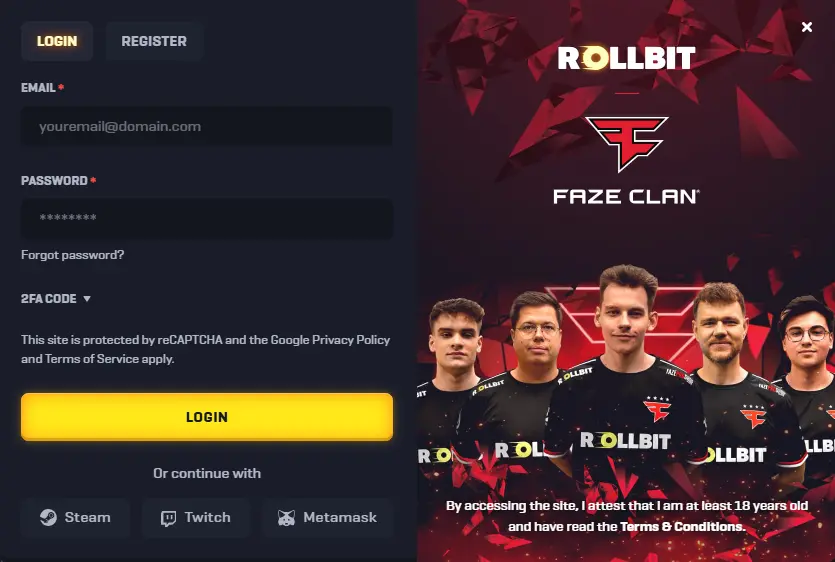
- Open the Rollbit website and click Login
- Enter your username and password
- Click the login button to proceed
- If 2FA is active, enter the current code from the authenticator app before the session begins
After that, the full platform is accessible — casino games, sports markets, crypto futures, and account settings all open immediately.
How Does the “Forgot Password” Feature Work?
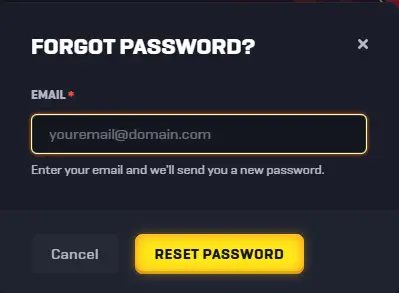
Losing access to an account because of a forgotten password is easily fixed — the reset process takes about two minutes and doesn’t require contacting support.
- Go to the Rollbit site and open the Login screen
- Click “Forgot Password” below the login fields
- Enter the email address linked to the account
- Click “Reset Password” to send the recovery email
- Open the email, follow the link, and set a new password
Note: if the email doesn’t arrive within a few minutes, check the Spam or Junk folder before requesting another one. Most account recovery emails land there when filtered by stricter inbox settings.
Access Your Account via Social Networks
Beyond the standard login form, Rollbit supports sign-in through Steam, MetaMask, and Twitch — three platforms that cover most of the site’s existing user base.
To start a session this way:
- Open the Rollbit login page
- Click the icon for Steam, MetaMask, or Twitch
- Authorise the connection — the system syncs the linked account with Rollbit automatically
Rollbit social login works equally well on mobile browsers and desktop, making it a practical option regardless of device. For players using the desktop version, subscribing to platform updates through the linked social account is a straightforward way to stay informed about new games, promotions, and any service announcements without checking the site directly.
Rollbit Mobile Login
There’s no dedicated Rollbit app — mobile login runs entirely through a browser, which works just as well on both iOS and Android. The login process is identical to desktop: open the browser, go to the site, click Login, enter username and password. If 2FA is enabled, the authenticator code step applies here too.
One practical tip worth using: add the site to the home screen via “Add to Home Screen” in the browser menu. It creates a shortcut that opens Rollbit directly without typing the URL every time — the closest thing to an app without the download.
Main Login Problems and Solutions
Sign in issues on Rollbit fall into a few clear categories — some come down to user error, others are technical or legal in nature. The three most common Rollbit login problems are geo restrictions, a closed or suspended account, and the login page simply not loading. Each one has a straightforward account access fix, covered separately below.
Geo Restrictions
Rollbit is unavailable in certain countries, and players attempting to sign in from a blocked region will either see a “region not supported” error or find the site completely inaccessible. A VPN set to a supported country resolves the connection issue in most cases.
That said, using a VPN to bypass Rollbit geo restrictions may conflict with the platform’s Terms of Service. Any consequences — including account suspension — fall on the player, not the service provider.
Closed or Suspended Account
A standard login attempt won’t work if the account has been suspended or closed. Rollbit can take either action under several circumstances covered in Section 5 of the Terms:
- Suspected fraud, collusion, or use of the account for a third party’s benefit
- Breach of Terms of Service or applicable regulations
- A request from a regulatory authority, law enforcement, or court
- Inability to verify identity, residential address, or source of funds
- Use of techniques designed to circumvent the house edge
When a Rollbit suspended account is the cause, the only way forward is contacting support directly — live chat or email — to find out the specific reason and whether account reinstatement is possible. Creating a new account in the meantime would itself violate the Terms and make the situation worse.
Login Page Does Not Open
When the Rollbit login page isn’t loading, the issue is almost always on the browser or connection side rather than the platform itself.
- Clear browser cache and cookies, then reload the page
- Switch to a different browser entirely
- Check the internet connection — try switching between Wi-Fi and mobile data
- Disable any active VPN or browser extensions that might be interfering
- Check Rollbit’s official Twitter or announcement channels for any reported server issues
If the page loads fine on another device, the problem is local to the original browser.
Contact Help Center for Login Issues
When none of the above fixes the problem, the Rollbit support team is available around the clock.
- Live Chat — accessible directly on the site; fastest response for most login-related questions
- Email — [email protected]; better suited for issues that require attaching screenshots or documents
When reaching out, include the account username, a clear description of what’s happening, and a screenshot of any error message if one appears. The more specific the information, the faster the help center can identify and resolve the issue.